Have you ever received a backing track and wished you could turn the guitar down, make the piano louder, or remove an instrument completely? That’s what you can do with our free mix and mastering suite. And there’s more. Let me show you how it works.
As a music producer, I know that a single mix doesn’t always work for every situation. You might need one version for rehearsals, another for a live performance, and a different balance when you’re recording vocals.
That’s why I’ve created the Mix and Mastering Suite, an online mixing environment where my customers can work directly with the individual instruments of their custom backing tracks.
And the best part? It’s included free with your custom backing track production. No additional subscriptions, expensive audio plugins, or complicated software installations.
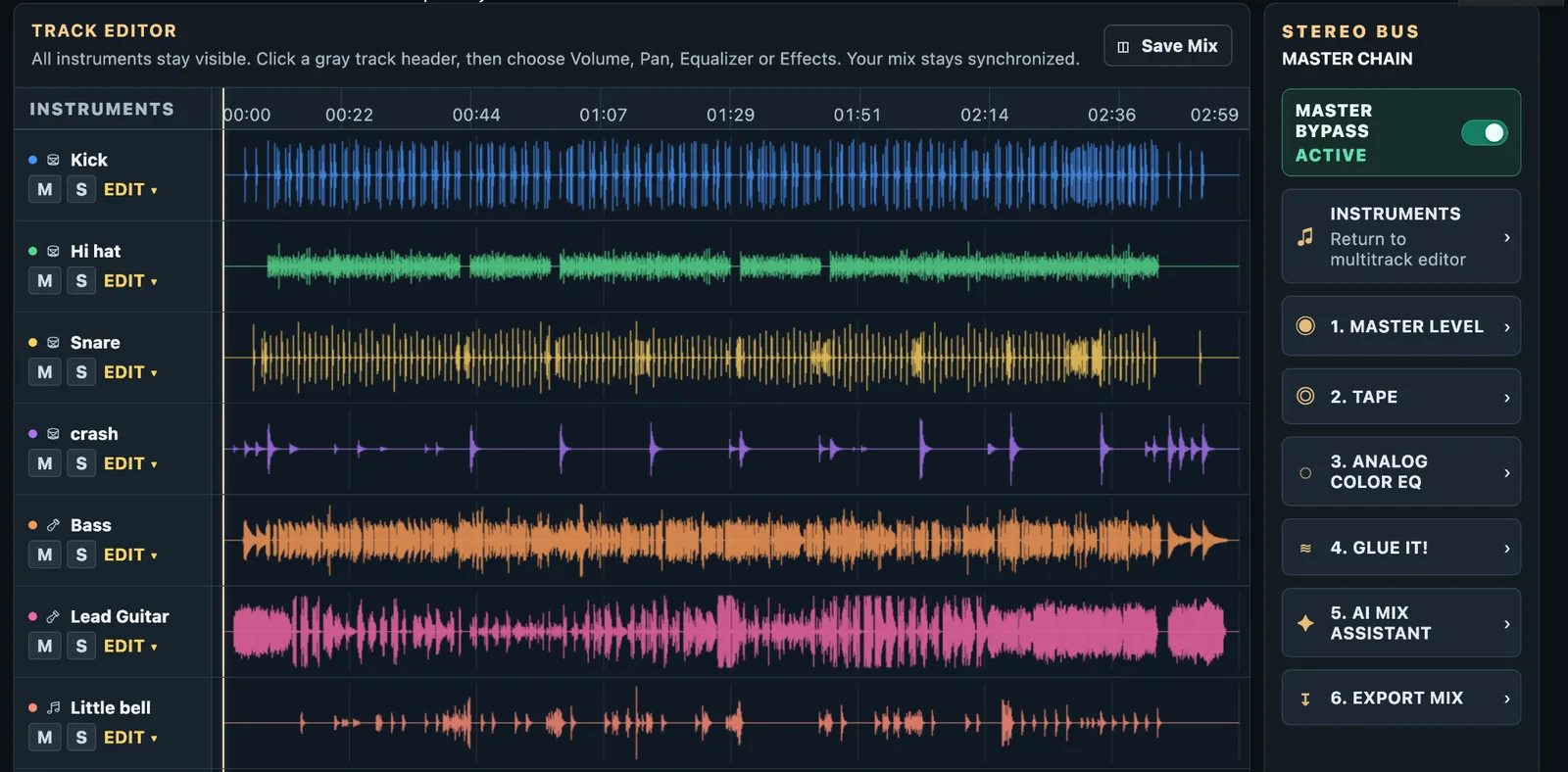
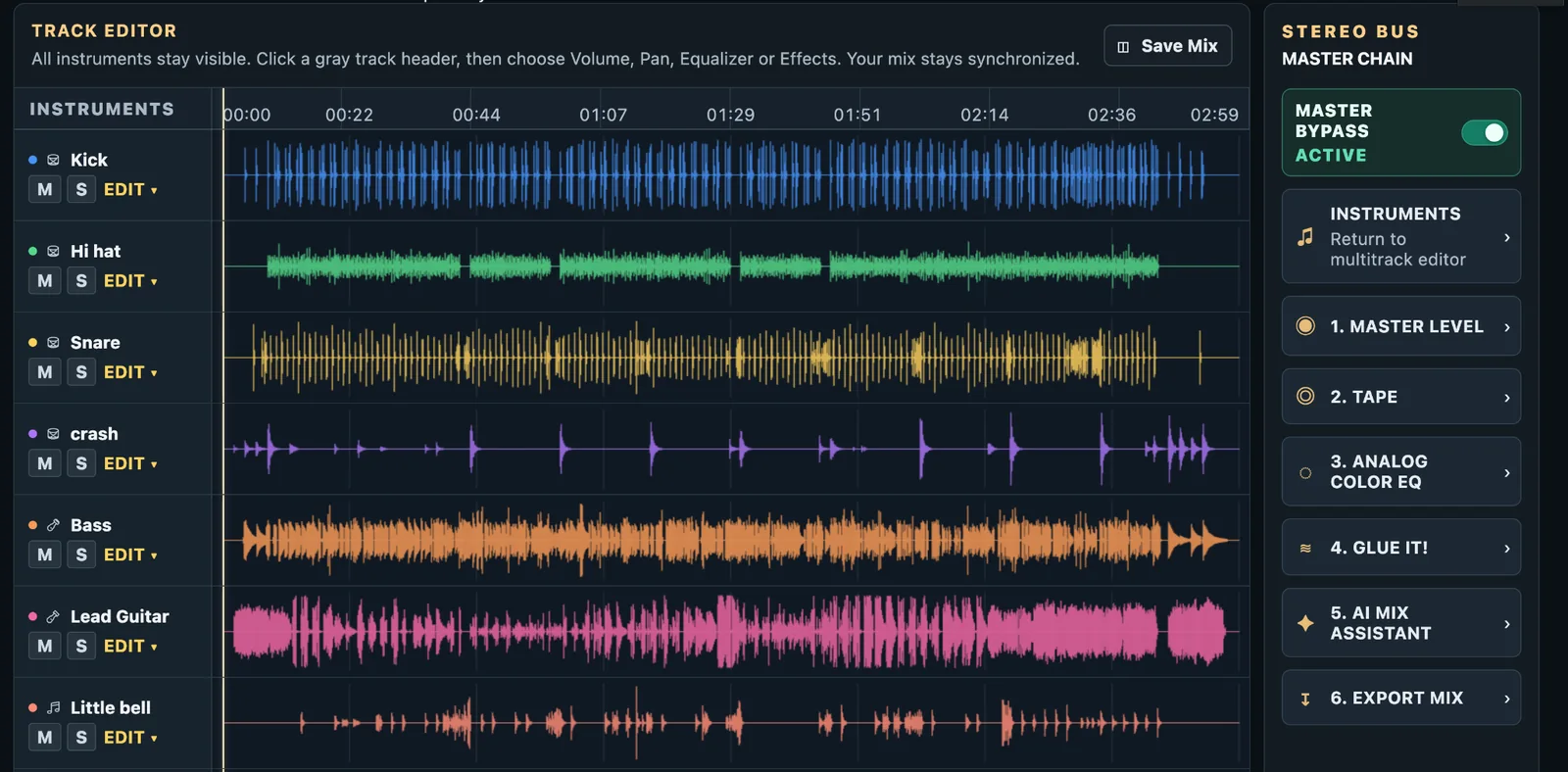
The actual Free Mix and Mastering Suite, with individual instrument tracks, waveforms, and mastering controls.
How Can You Mix and Master your custom productions for Free?
When you order a custom backing track from Nico Studio, I’ll record the instruments individually, building the arrangement from scratch.
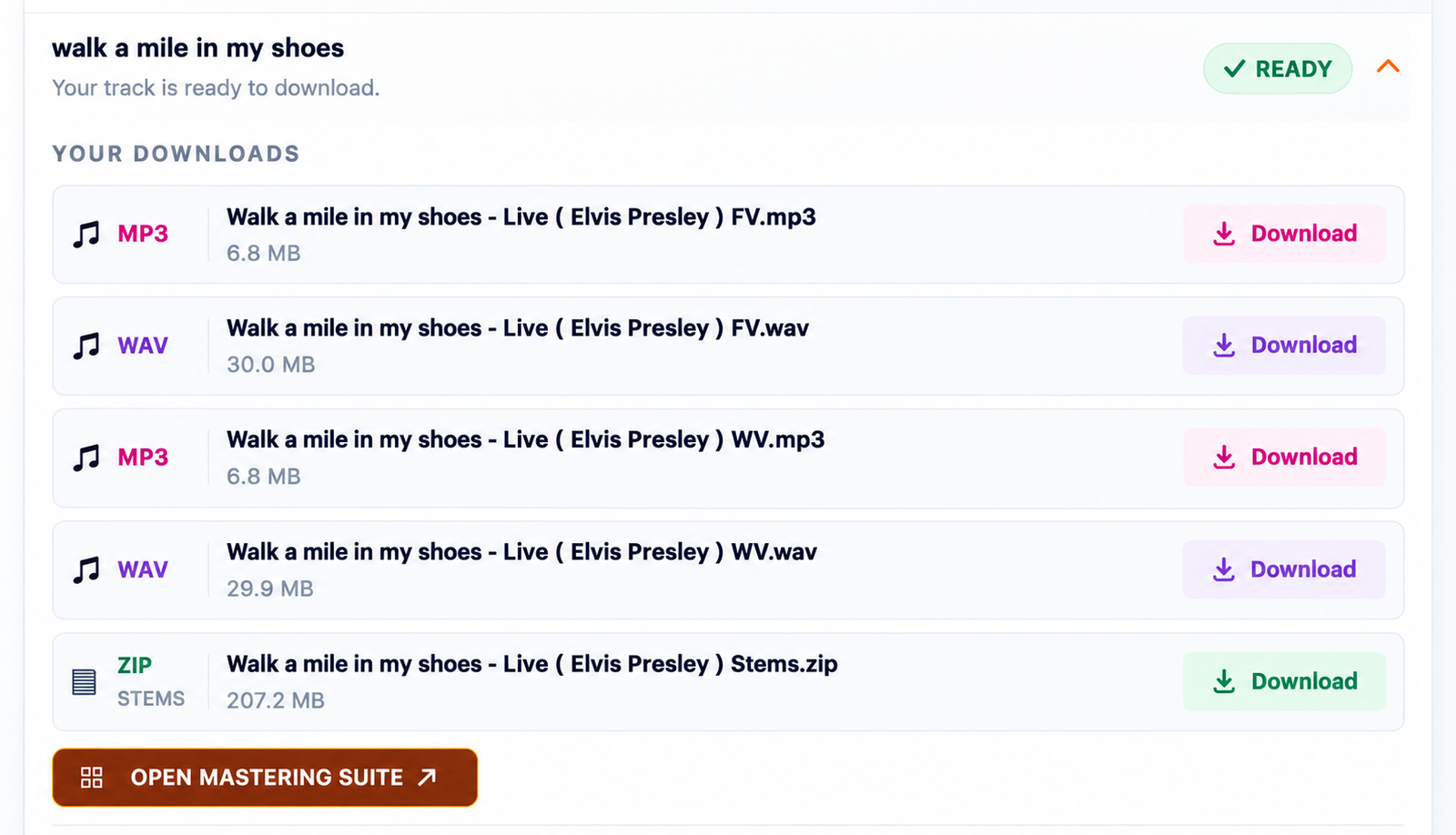
Once your production is finished, you’ll receive your ready-to-use WAV and MP3 files, along with a ZIP containing the individual 24-bit instrument stems.
These stems are the separate parts of your recording: drums, bass, guitars, keyboards, and any other instruments included in your arrangement.
Normally, you’d need a Digital Audio Workstation (DAW) and several audio plugins to work with these files.
Working with me, you have another option. The Free Mix and Mastering Suite.
Simply open your Client Area, find your completed order, and launch the Mix and Mastering Suite. Your instruments will be available in your personal online mixing room, ready for you to start working.
The Suite runs in a compatible desktop or tablet browser. You don’t need to install anything.
What Can You Do Inside the Mix and Mastering Suite?
Imagine you’re a guitarist preparing for a live show. You love the backing track I’ve produced for you, but you’d rather play the lead guitar yourself.
Instead of ordering an entirely new version, you can simply make your own mix, then mute the guitar track and export your new mix.
Or perhaps you’re a singer rehearsing a difficult song. You’d like to hear the piano more clearly without the drums covering certain passages. You can adjust that too.
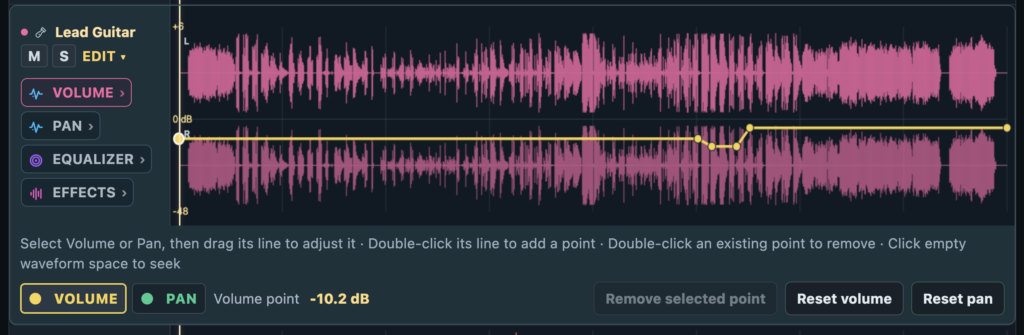
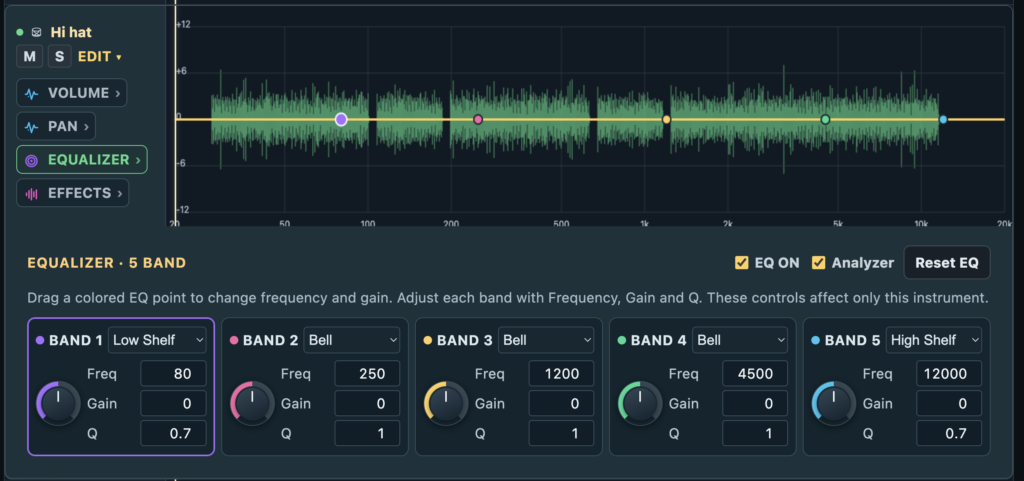
The mixing environment includes individual volume controls, mute and solo functions, stereo panning, EQ, compression, reverb, delay, and volume and pan automation.
Automation is particularly useful when you want an instrument louder during a solo or softer behind a vocal passage. You can make those changes throughout the song rather than using one fixed setting.
You don’t need to understand every tool to get started. Sometimes adjusting two or three instrument levels is all it takes.
Shape Your Sound with EQ, Compression and Effects
Once you’ve balanced the instruments, you might want to refine their sound.
The Suite includes audio processors that let you work on individual tracks.
For example, an equalizer can help you reduce excessive bass in a keyboard or add a little presence to a guitar. Compression can help control instruments with inconsistent volume.
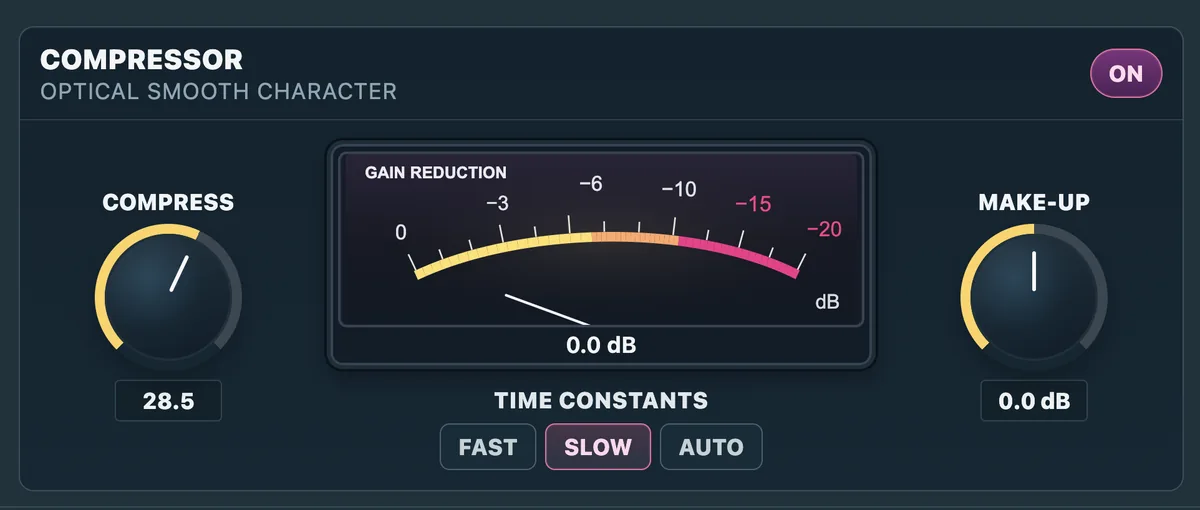
The Optical Smooth Compressor provides dynamic control, with adjustable compression, make-up gain and response settings.
You can also use reverb and delay to add depth and space to the instruments.
My advice is to start with small changes. You don’t have to process everything just because the tools are available. A natural, balanced sound is often exactly what the music needs.
Master Your Final Mix with the Master Chain
After adjusting the individual instruments, you can work on the complete stereo mix using the Master Chain.
This section includes several processors designed to shape the overall sound of your production.
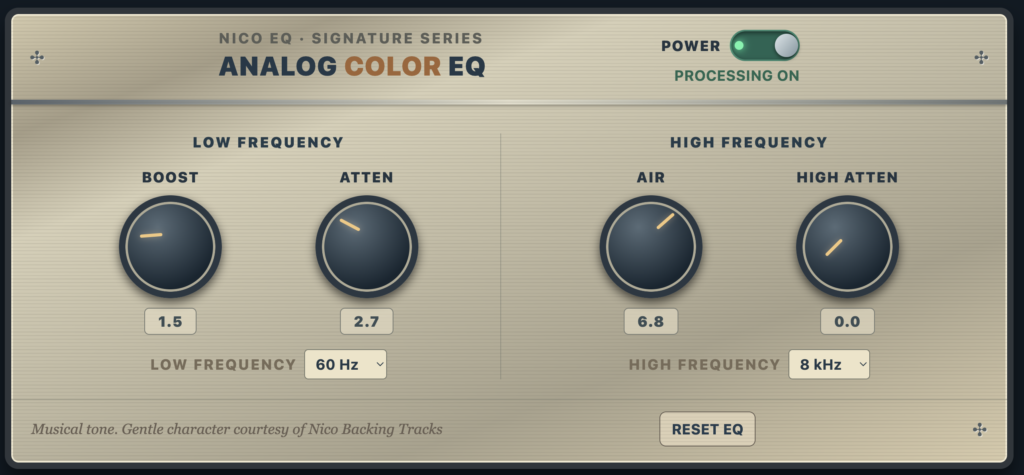
Analog Color EQ allows you to make broad tonal adjustments, while GLUE IT!, our bus compressor, helps bring the different instruments together with controlled dynamics.
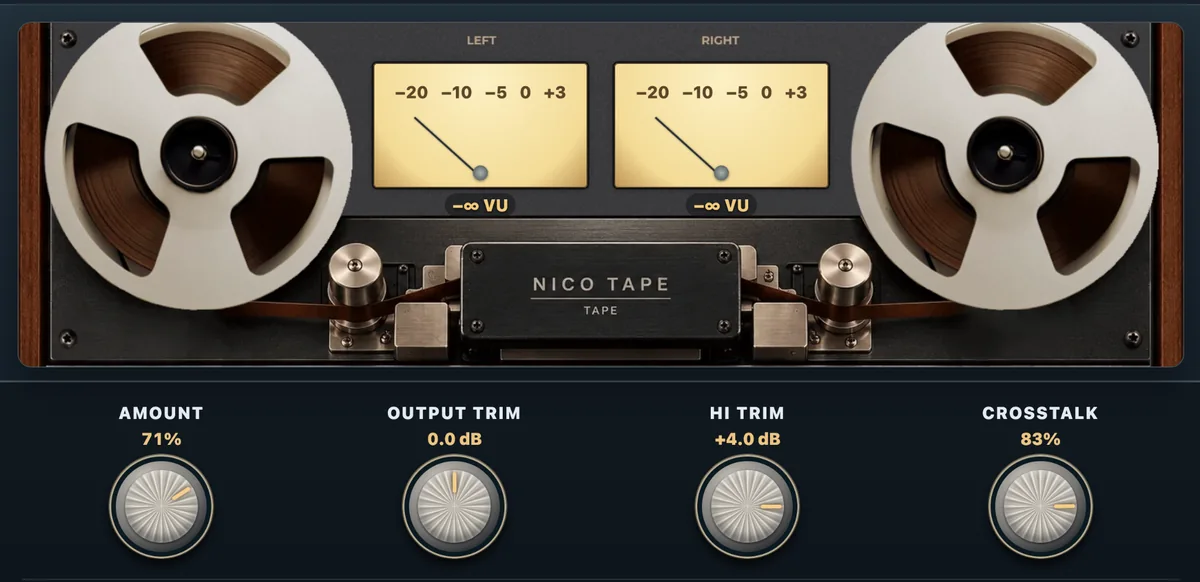
There’s also Nico Tape, an analog tape-inspired processor that lets you experiment with warmth and tonal character.
Nico Tape, with its reel-to-reel design, analog-style VU meters and sound-shaping controls.
You can compare your processed sound with the original mix using Master Bypass. This is especially useful because louder doesn’t always mean better.
The goal is to make the music sound balanced and enjoyable, not simply to apply as many effects as possible.
Meet Your AI Mix Assistant
One feature I particularly wanted to include was a way to help customers who aren’t experienced audio engineers.
That’s where the AI Mix Assistant comes in.
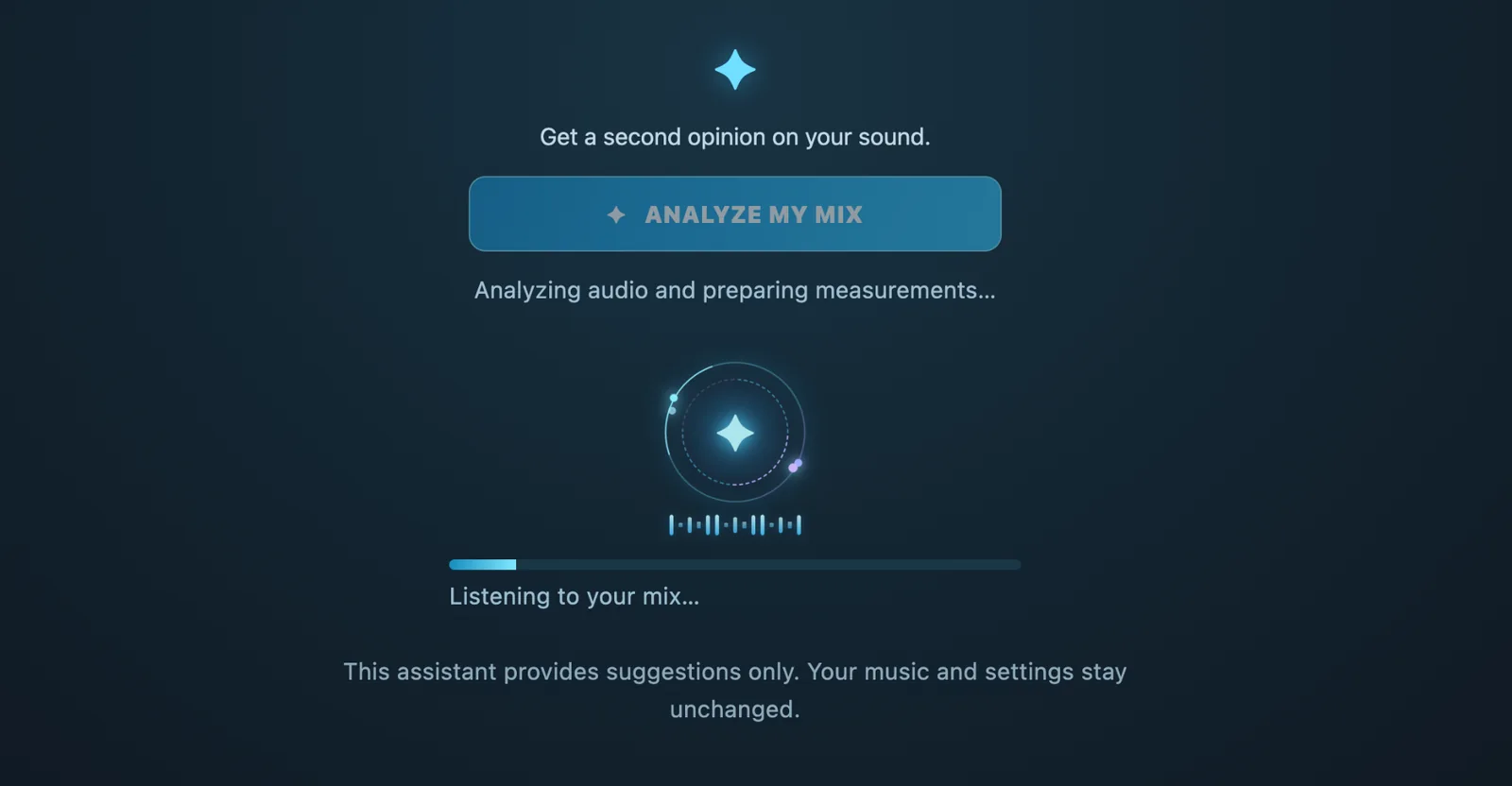
After working on your mix, you can ask the assistant to analyze the audio and look for possible technical issues.
It can highlight things worth checking, such as clipping, excessive compression, or unusual EQ settings.
The AI Mix Assistant analyzes your mix and provides technical suggestions without changing your settings.
Think of it as a second opinion.
It won’t make creative decisions for you or automatically change the sound of your music. You’ll receive recommendations, but you’ll always have the final say.
And remember, there’s no single correct way to mix a song. Your ears and musical preferences are still the most important tools you have.
Save Your Mix and Export WAV or MP3
You don’t have to finish your mix in one session.
The Suite allows you to save your mixing settings and return to them later.
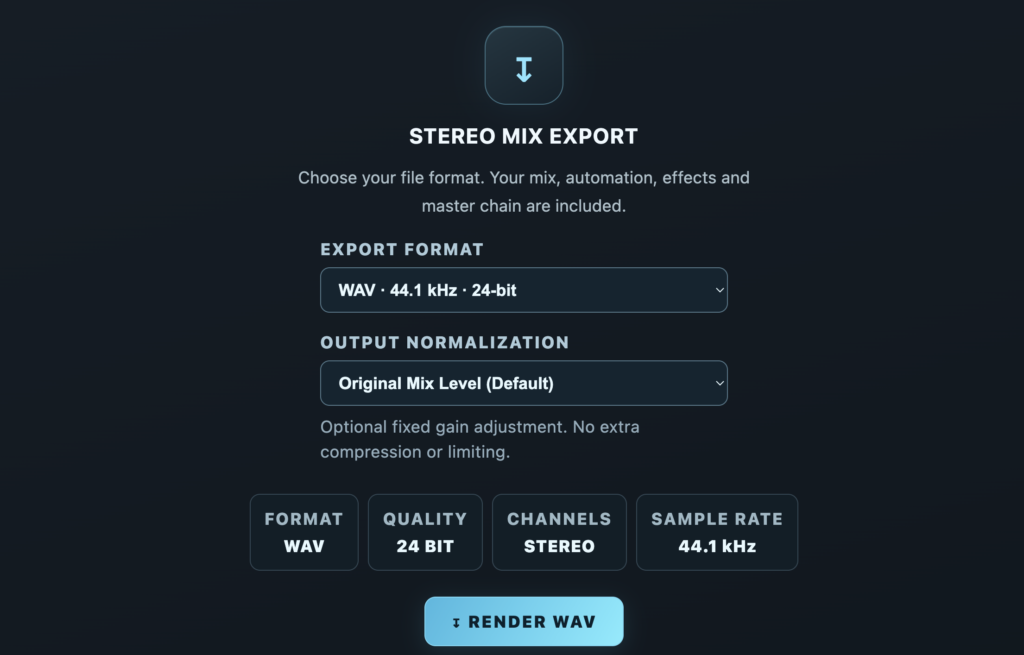
Once you’re satisfied, you can export your own stereo mix as WAV or MP3.
That means you can prepare different versions for different purposes, whether you’re rehearsing at home, singing onstage, or recording in your studio.
Your original delivered WAV and MP3 remain unchanged, so you can always return to the mix I originally prepared for you.
Is the Nico Studio free Mix and Mastering Suite Really Free?
Yes, the Suite is included at no additional cost with Nico Studio custom backing track productions that include the required individual instrument stems.
It’s not a public service for uploading any song, and it’s separate from the regular backing tracks available for instant download at Superbackings.com.
When you commission a custom backing track, you’re receiving more than a finished instrumental recording. You’re also getting the individual stems and access to tools that let you explore different mixes of your own production.
And if you’d rather leave the mixing to me, that’s perfectly fine too. You’ll still receive a professionally prepared backing track ready to use.
Ready to Create Your Own Mix?
I’ve spent more than 30 years working in music production, and one thing I’ve learned is that musicians appreciate having control over their sound.
The Nico Studio Mix and Mastering Suite is my way of giving customers that flexibility without requiring them to invest in a complete recording setup.
You can keep things simple, or explore the more advanced tools as you become comfortable with them.